


In modern software architecture, systems rarely follow a straight line. User actions branch, conditions change, and error handling loops back to previous states. When modeling these complex behaviors, standard Sequence Diagrams often fall short because they assume a linear progression of messages. This is where the UML Interaction Overview Diagram becomes essential. It provides a high-level view of the control flow, allowing designers to manage nonlinear logic without losing the detail of individual interactions.
This guide explores the mechanics of Interaction Overview Diagrams (IOD), focusing specifically on how they handle nonlinear control flow. We will examine the specific nodes, the integration with other diagram types, and the best practices for maintaining clarity in complex system models.
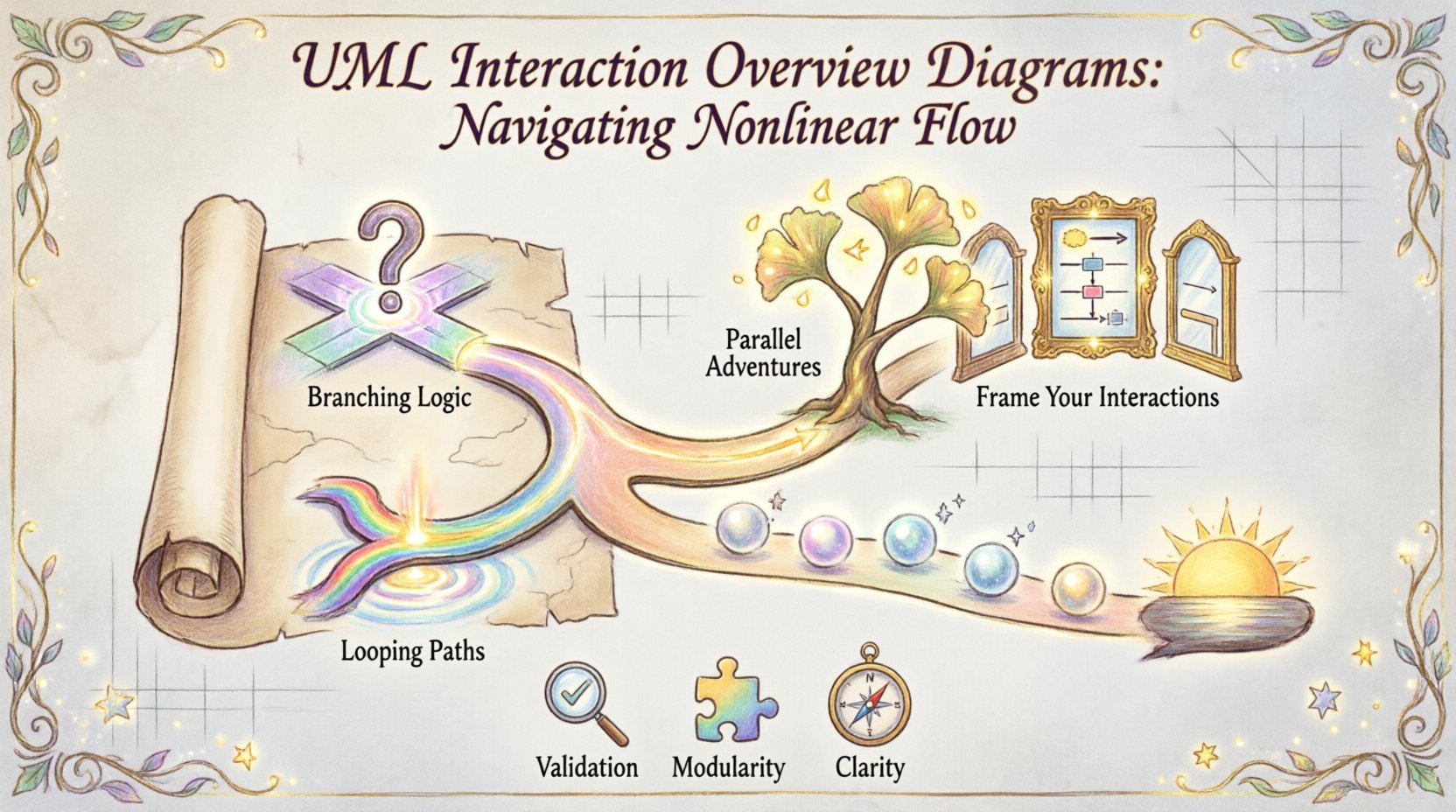
📐 Understanding the Interaction Overview Diagram
An Interaction Overview Diagram is a specialized activity diagram. It combines the structural capabilities of an Activity Diagram with the dynamic behavior representation of Interaction Diagrams. While an Activity Diagram focuses on the flow of control and data objects, an IOD focuses on the flow of interactions between objects.
Think of it as a map. If a Sequence Diagram is a street-level view of a specific journey, the Interaction Overview Diagram is the city map showing the major routes, intersections, and destinations. It allows you to navigate the system’s logic at a macro level.
- Purpose: To model the control flow of a complex interaction scenario.
- Scope: High-level logic that orchestrates multiple interactions.
- Benefit: Reduces complexity by breaking large interactions into manageable chunks.
When a system requires conditional branching, loops, or parallel processing, the IOD offers a structured way to represent these paths. It does not replace Sequence Diagrams; it orchestrates them.
⚙️ Core Components of Nonlinear Control Flow
To handle nonlinear control flow effectively, one must understand the specific elements available within the UML specification. These elements dictate how the diagram moves from one state to another.
1. Control Nodes
Control nodes are the primary drivers of flow. They determine when and how interactions occur.
- Initial Node: A solid filled circle indicating the start of the diagram.
- Final Node: A solid filled circle with a smaller inner circle, marking the end of a specific flow path.
- Decision Node: A diamond shape. It represents a point where the flow branches based on a condition (e.g.,
if user is authenticated). - Merge Node: A diamond shape that combines multiple incoming flows into one outgoing path. This is crucial for handling different paths converging back to a single state.
- Fork Node: A thick bar that splits one flow into multiple parallel flows.
- Join Node: A thick bar that synchronizes multiple parallel flows back into a single flow.
2. Object Flows
Unlike pure control flow, object flows represent the movement of data or objects between nodes. In an IOD, you might pass an object from one interaction frame to another.
- Object Node: Represents the existence of an object at a specific point in time.
- Object Flow: The arrow connecting object nodes, showing how data is passed.
3. Interaction Frames
The most distinct feature of an IOD is the frame. A frame is a box that encapsulates a specific interaction, typically a Sequence Diagram or a Communication Diagram.
- Interaction Use: A frame that references a specific interaction definition.
- Call Operation: A frame that represents calling a specific operation within the system.
- Label: Frames are labeled with the name of the interaction they contain.
🔄 Managing Nonlinear Logic
Nonlinear control flow is the heart of the Interaction Overview Diagram. It allows the model to reflect reality, where decisions and loops are common. Here is how to implement these patterns.
Handling Decisions and Branches
When a system encounters a condition, the flow must split. In an IOD, this is done using a Decision Node.
- Condition Guard: Each outgoing path from a decision node must have a guard expression (e.g.,
[valid],[invalid]). - Completeness: Ensure all possible outcomes are covered. If a user enters a valid password, where does the flow go? If invalid, does it loop back or end?
- Clarity: Use clear labels on the edges to avoid ambiguity.
Implementing Loops
Loops are frequent in authentication, data validation, and retry mechanisms. In an IOD, loops are created by connecting a path back to a previous decision node or interaction frame.
- Entry Point: The flow enters the loop from a decision node.
- Exit Condition: The decision node must eventually allow the flow to exit the loop when the condition is met.
- Example: A payment retry mechanism. If payment fails, the flow returns to the payment initiation frame. If successful, it moves to the confirmation frame.
Parallel Processing
Sometimes, a system must perform multiple actions simultaneously. A Fork Node splits the control flow into concurrent threads.
- Synchronization: A Join Node ensures all parallel threads complete before the flow continues.
- Use Case: Sending an email and updating the database after an order is placed. Both happen, but the next step waits for both to finish.
📊 Comparison of Control Flow Elements
To ensure you are using the correct elements, refer to this comparison table. It highlights the differences between Control Nodes and Object Nodes within the context of nonlinear flow.
| Element | Shape | Function | Common Use Case |
|---|---|---|---|
| Decision Node | Diamond | Branches flow based on boolean conditions | Validation checks, routing logic |
| Merge Node | Diamond | Combines multiple incoming flows | Handling success and error paths converging |
| Fork Node | Thick Bar | Splits flow into parallel paths | Parallel notifications, concurrent tasks |
| Join Node | Thick Bar | Waits for parallel paths to complete | Synchronization of background processes |
| Object Node | Rectangle | Represents data or object existence | Passing parameters between interactions |
🔗 Integrating Interaction Frames
The power of the IOD lies in its ability to embed other diagrams. This is achieved through Interaction Frames.
Why Use Frames?
- Abstraction: It hides the complexity of the internal sequence of messages.
- Reusability: A single frame can represent a standard operation used in multiple places.
- Readability: Keeps the main diagram clean while allowing deep dives into specific scenarios.
Passing Data Between Frames
When moving from one frame to another, data must be passed explicitly. This is done using Object Flows.
- Input Parameters: Objects enter the frame to trigger the interaction.
- Output Parameters: Objects leave the frame with the results of the interaction.
- State Persistence: Ensure that objects passed between frames maintain the correct state required by the downstream interaction.
🛡️ Best Practices for Modeling
Creating a clear and maintainable Interaction Overview Diagram requires discipline. Adhering to these guidelines prevents the diagram from becoming unreadable.
Keep Frames Small
- Do not create a single massive frame containing thousands of messages.
- Break complex interactions into smaller, logical units.
- Use sub-frames if a single interaction is too complex for one view.
Avoid Spaghetti Logic
- Minimize the number of crossing lines.
- Ensure decision nodes are placed logically.
- If a diagram becomes too crowded, consider splitting it into multiple diagrams or using a different modeling approach.
Consistent Naming Conventions
- Name decision nodes based on the condition they check (e.g.,
Is User Logged In?). - Name frames based on the action they perform (e.g.,
Process Payment). - Use guard expressions that are unambiguous.
Validation and Verification
- Check for dead ends. Every path should eventually reach a final node or a valid loop.
- Ensure all decision nodes have at least two outgoing paths.
- Verify that join nodes match the corresponding fork nodes in terms of parallelism.
🌍 Real-World Application Scenarios
To understand the practical value, consider these specific scenarios where nonlinear control flow is critical.
Scenario 1: Multi-Step Authentication
User login is rarely a single step. It involves checking credentials, verifying 2FA, and handling account locks.
- Decision Node: Check credentials.
- Branch 1 (Success): Proceed to 2FA frame.
- Branch 2 (Fail): Increment failure count node.
- Loop: If count < 3, return to login frame. If count >= 3, lock account frame.
Scenario 2: Payment Gateway Integration
Payment processing involves multiple gateways, retries, and currency conversions.
- Fork Node: Trigger main payment and log transaction simultaneously.
- Decision Node: Check payment status.
- Loop: If timeout, retry gateway. If error, notify user.
- Join Node: Wait for both logging and payment result before confirming order.
Scenario 3: Data Import Workflow
Importing large datasets often requires validation and error handling.
- Loop: Iterate through rows of data.
- Decision Node: Is row valid?
- Branch 1 (Valid): Insert into database.
- Branch 2 (Invalid): Log error and continue.
- Final Node: Generate summary report.
🚫 Common Pitfalls to Avoid
Even experienced architects make mistakes when modeling complex flows. Be aware of these common errors.
- Over-Engineering: Do not model every single micro-interaction in the IOD. Keep it high-level.
- Mixing Paradigms: Do not mix Control Flow and Object Flow logic in a way that confuses the reader. Keep data flow distinct from logic flow where possible.
- Unclear Guards: Avoid conditions like
[yes]or[no]. Use specific conditions like[status == success]. - Missing Exit Paths: Ensure every branch has a defined end or a return path.
🔍 When to Use Interaction Overview Diagrams
Not every system requires an IOD. Knowing when to deploy this tool is as important as knowing how to draw it.
- Complex Workflows: When a process has many branches and loops.
- System Integration: When multiple subsystems interact in a non-linear way.
- High-Level Design: When you need to show stakeholders the big picture without getting bogged down in message details.
- Error Handling: When the system has significant error recovery paths that need visualization.
📝 Final Thoughts on Modeling Nonlinear Flow
Designing software systems involves navigating complexity. The UML Interaction Overview Diagram provides the structure needed to manage nonlinear control flow without losing sight of the underlying interactions. By using decision nodes, merge points, and interaction frames, you create a blueprint that is both detailed and manageable.
Focus on clarity. A diagram that confuses the reader is a diagram that fails its purpose. Use the elements available to you to map the logic of your system accurately. Keep the frames modular, the paths logical, and the data flow explicit. With these practices, you can create robust models that guide development and communication effectively.
Remember that diagrams are living documents. As the system evolves, the IOD must evolve with it. Regular reviews ensure that the model remains accurate to the implementation. This alignment is the key to successful system design.
By mastering the nuances of control nodes and interaction frames, you gain the ability to visualize the intricate dance of your software components. This capability is fundamental for building reliable, maintainable, and scalable systems.
Related posts:
 Case Study: Using UML Use Cases to Solve Ambiguous Requirements in Enterprise Applications
 Comparing UML vs. ER Diagrams: When to Switch Models for Data-Centric Architectures
 Troubleshooting UML Collaboration Issues: Diagnosing Communication Failures in Multi-Tier Apps
 Future Outlook of UML: Integrating Diagrams into Automated Code Review Workflows